
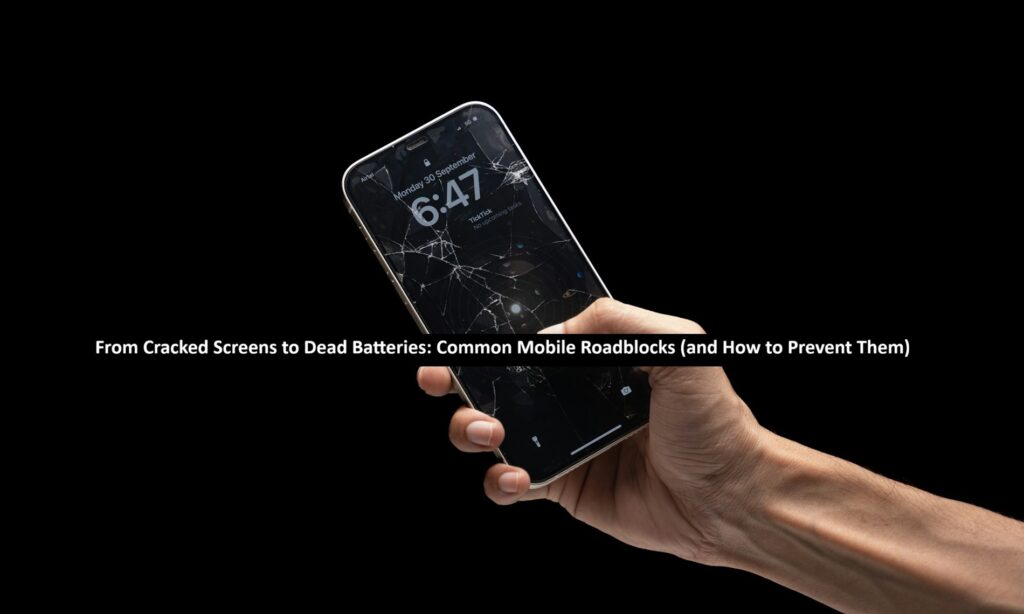
Every new flagship is built better than the last, boasting new features that range from 120Hz displays to seemingly everlasting batteries. Yet, our expensive phones remain terribly vulnerable to everyday invisible threats like cracked screens, deteriorating or dead batteries, and worse.
Discover the most common mobile roadblocks and how to combat them with this quick guide!
Cracked Screens
“I used all my strength, and the 5.64mm thin phone bowed (slightly), but did not break.”
– Mark Spoonauer, for Tom’s Guide
The new iPhone Air’s impressive durability was recently revealed in an interview between Apple’s John Ternus and Tom’s Guide’s Mark Spoonauer. Despite being one of the thinnest phones ever made, the Air managed to pass most stress tests effortlessly.
Phones have certainly gotten stronger, even the thinnest ones. However, 78 million Americans still report physical phone damage annually. This contrast has put the spotlight back on questions of phone durability. How strong is strong enough, and why are phone screens still so vulnerable to cracks?
Why It Happens
Phone durability is a double-edged sword. Whether it’s a folding display, a waterfall display, or a paper-thin display, today’s cutting-edge phone designs necessitate a trade-off between features and durability. You can have a virtually shatter-proof screen, but it’ll also be thick enough to weigh down your pocket.
What You Can Do
The best thing you can do here is to act before your screen becomes a problem. Slap on a reliable screen protector that can guard your phone against everything from minor scratches to deadly falls. Combine that with a durable phone case and mindful usage, and you won’t have to worry about replacing that screen anytime soon.
Read: Why Cloud Networking Adoption is Surging: Insights and Industry Statistics
Dead Batteries
Whether you’re coasting by on 4G in the wilderness or burning through your data at 5G in the city, the last thing you want to see when you check your phone is an unresponsive, dead screen. Battery drain remains a real problem despite battery sizes frequently exceeding 5000 mAh across flagships.
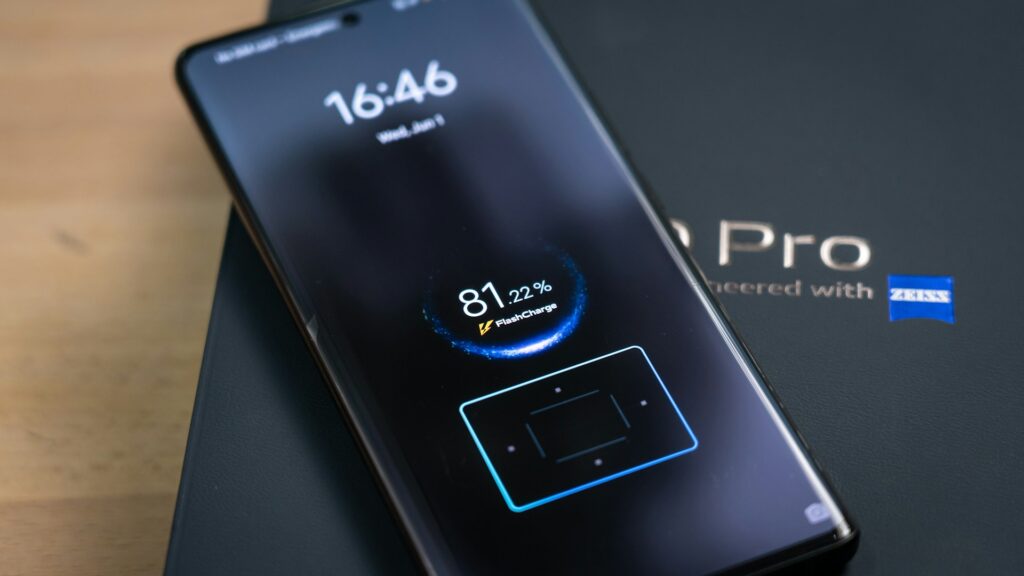
The telltale signs of excessive battery drain can be based on your phone. For an older iPhone, you might notice increased temperatures even during normal usage. On other phones with removable batteries, you might notice bulging battery packs, AKA, the dreaded ‘spicy pillow’.
Why It Happens
Increased battery drain is pretty much unavoidable over the long term as you run down your battery cycles and reduce its longevity. Most phones allow you to check their battery health directly in the settings app.
However, increased drain can, in rare cases, be caused by factors like extreme temperatures and improper charging methods.
What You Can Do
There are a couple of handy ways to prolong battery deterioration and keep those dead batteries at bay, including:
- Keeping your phone out of direct sunlight for extended periods, especially when it’s charging.
- Not letting your phone battery drain all the way to 0% before plugging it in.
- Enable battery-saving features, like turning on low power mode automatically at low battery on iOS.
Overheating
Speaking of overheating, let’s discuss a mobile roadblock that plagues even the most careful of users. Power-hungry features like 5G browsing and processor-powered AI functionalities like Apple Intelligence all contribute to increased power draw, and, as a result, increased overheating.
Overheating in this sense isn’t just the sensation of your phone growing uncomfortably hot in your hands. It also includes apps shutting down on their own, phones refusing to charge until they’ve cooled down, and general all-around lag.
Why It Happens
Software-related overheating is one half of the coin. Buggy updates and clumsy programming can cause apps to draw more resources than they should. Chrome, for example, is notorious for hogging RAM on desktops and mobile devices alike. Excessive usage of intensive apps like games is another contributor.
On the other hand, you have physical factors like direct exposure to sunlight, insufficient airflow, and potentially even faulty chargers.
What You Can Do
Preventing your phone from overheating isn’t actually that hard! Your phone comes with built-in safeguards to fight overheating, even with passive cooling. To help, you can follow a few best practices, such as:
- Keeping your OS and apps updated over time to avoid bugs
- If you’re using power-hungry apps or playing games like AC Mirage, let your phone rest every 30 minutes so it can cool down.
- Avoid causing sustained damage to your phone’s internals by keeping it out of direct sunlight for long periods.
Water Damage
IP68 is the name of the game right now for electronics. Everything from flagship phones to budget-friendly options like the Samsung A-series boasts IP68 water resistance, but this rating isn’t the end-all be-all if you’re looking to protect your phone from water damage.
Why It Happens
The IP68 rating means that the phone has been tested against sustained immersion for up to an hour at a certain depth. A phone with this rating might be water-resistant, but it isn’t water-proof. Repeatedly submerging your phone can cause internal seals to loosen and open the door for malfunctioning ports and glitchy screens.
What You Can Do
Keep your phone out of water if possible. If you’re using your phone for underwater photography, you can always get more water-resistant products, like a GoPro, for those HD shots.
If that isn’t an option, you can also opt for a waterproof case that seals your phone against the elements. It might not be the most comfortable option on the go, but it’s better than dealing with water damage.
Shield Your Phone Like a Pro
Are screen protectors necessary? Absolutely. And so is a good phone case, reliable charger, and following best practices that prevent overheating and water damage. A few simple best practices can mean the difference between shelling out hundreds for a screen replacement and years of a perfectly preserved phone.